daqverse

A 3D view of a trader's messy penthouse over Central Park at night. As you scroll, it gets cleaned up piece by piece until morning.

Everything a trader goes through.

One app.

Invite-only beta · Free while in beta · Gmail address

Scroll once to start the tour.

What daqverse fixes

  1. 1/6Sample data

    Daily Plan + tilt check

    • Your rules end in a straight GO or NO-GO.
    • A tilt of 7 or more says sit this one out.
    • Today's checklist follows you into Live Session.
    Try it in the demo →

    One more trade. I'll win it back. NO-GO. Tilt is at 7. Tonight is done.

  2. 2/6Sample data

    Prop accounts

    • Headroom on every account before the next trade.
    • Each loss limit drives Live Session's max-loss meter.
    • Payouts, phases and certificates in one place.
    Try it in the demo →

    How close am I to the drawdown? $1,240 of room before the next trade.

  3. 3/6Sample data

    Quick Log

    • Log a trade seconds after the close.
    • Kill zone and macro tagged for you.
    • Or import a Tradovate CSV or MT5 history.
    Try it in the demo →

    I'll fill in the journal on Sunday. Logged. Kill zone and macro tagged.

  4. 4/6Sample data

    ICT edge analytics

    • Results split by kill zone, macro, setup and day.
    • Built from the trades you already logged.
    • No spreadsheets, no formulas.
    Try it in the demo →

    Which setup actually pays me? Best window: NY AM, the 9:50 macro.

  5. 5/6Sample data

    Flowstate

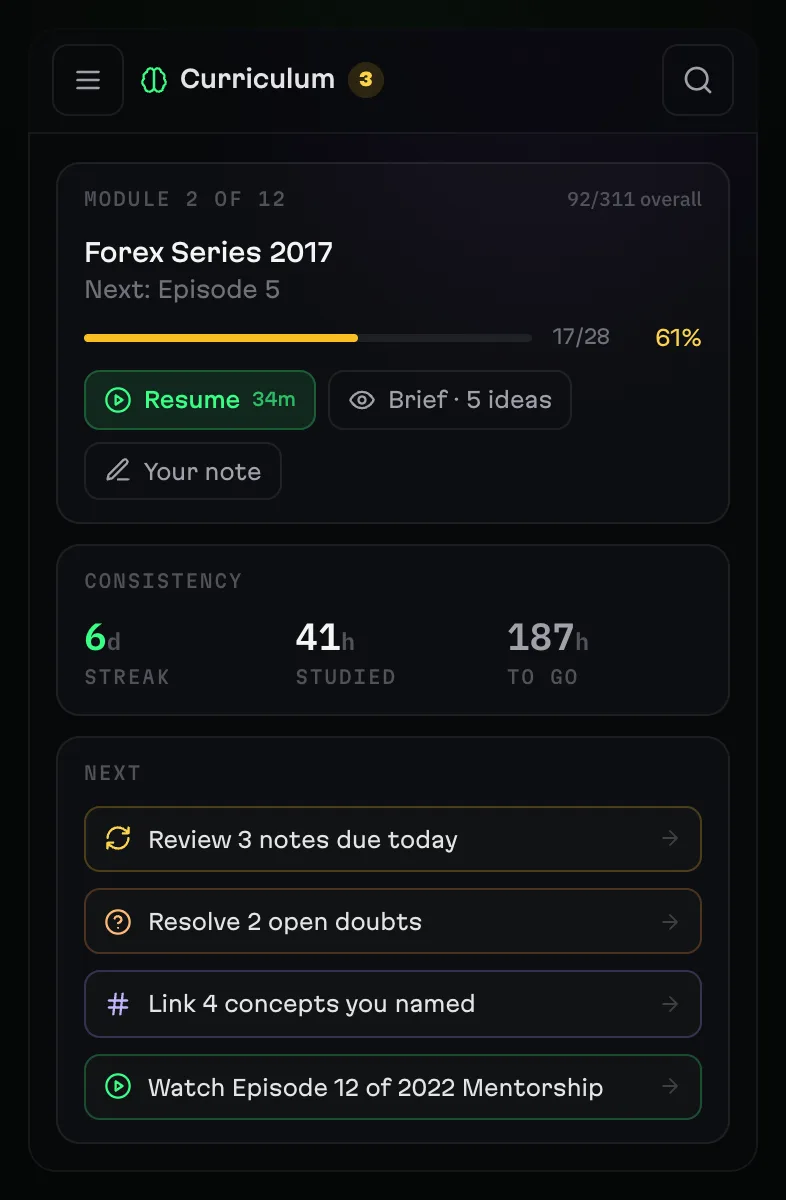
    • Notes pinned to the second you took them.
    • Search across every lecture's transcript.
    • Laws you write can go on any day's checklist.
    Try it in the demo →

    Where did he explain that again? Found it. Lecture 12, at 41:12.

  6. 6/6Sample data

    The daily loop

    • Morning Brief, Daily Plan, Habits and Journal.
    • In the same place, in the same order, every day.
    • Seven plans in a row unlocks Morning Ritual.
    Try it in the demo →

    This time I'll actually be consistent. Day 14. Brief, plan, journal. Done.

The same five steps, every trading day.

Morning Brief, Daily Plan, Live Session, Trades, Session Review. daqverse walks you through each one.

  1. 1Morning Brief
  2. 2Daily Plan
  3. 3Live Session
  4. 4Trades
  5. 5Session Review
Skip to the demo ↓
Try it

One trading day, in four steps.

The real app with sample data. Nothing you do is saved.

daqverse

Live demoSample data · nothing is saved

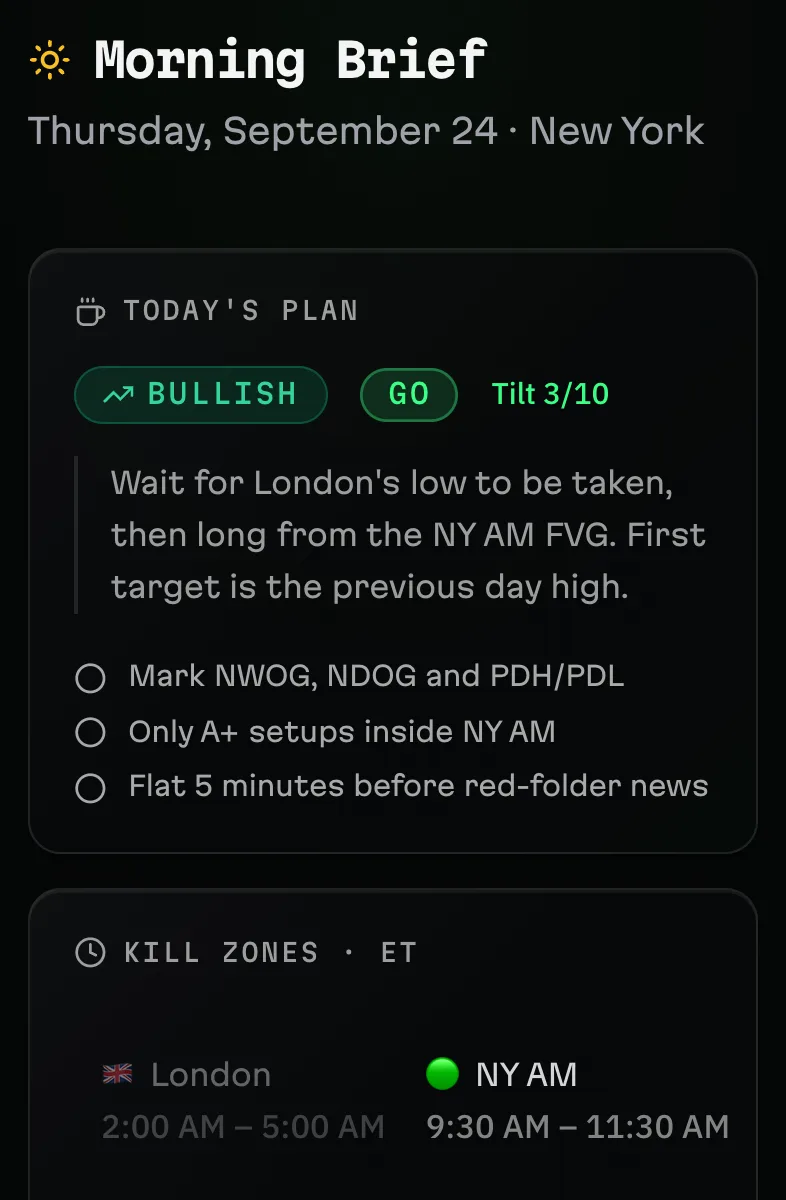
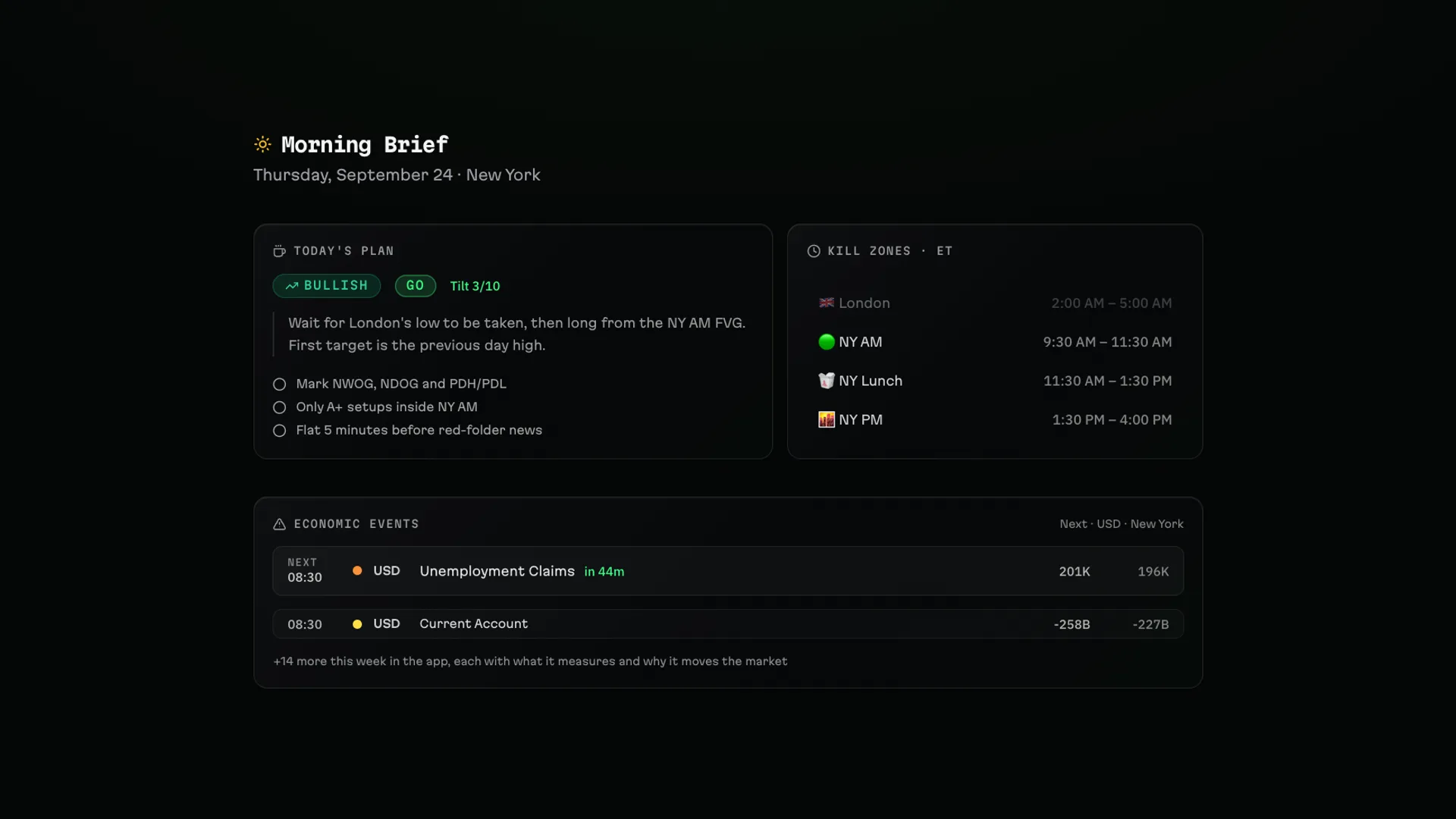
  • Plan the day: Your plan, the kill zones and the red-folder news, the next one counting down.

    1Plan the day Your plan, the kill zones and the red-folder news, the next one counting down.

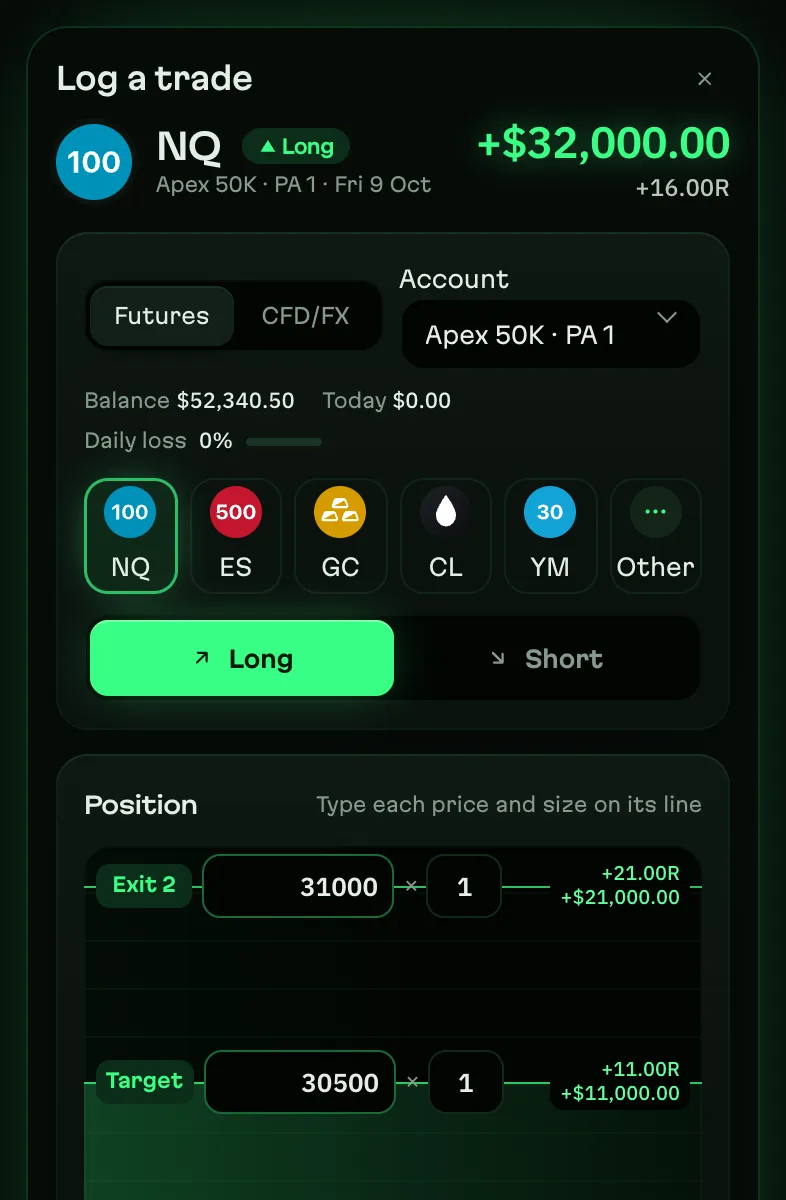
  • Log a trade: Pick the market and your levels; risk, R and P&L work themselves out.

    2Log a trade Pick the market and your levels; risk, R and P&L work themselves out.

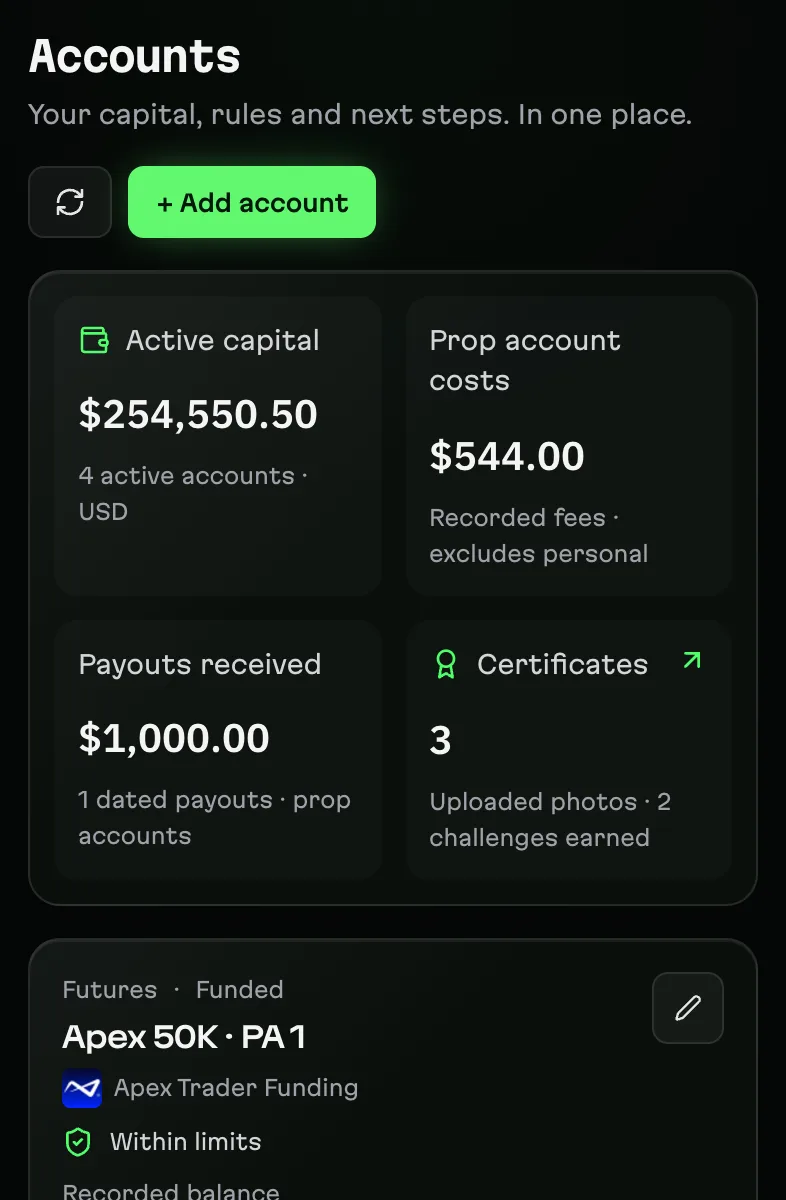
  • Stay inside your limits: Every prop account shows the room left before its loss limit.

    3Stay inside your limits Every prop account shows the room left before its loss limit.

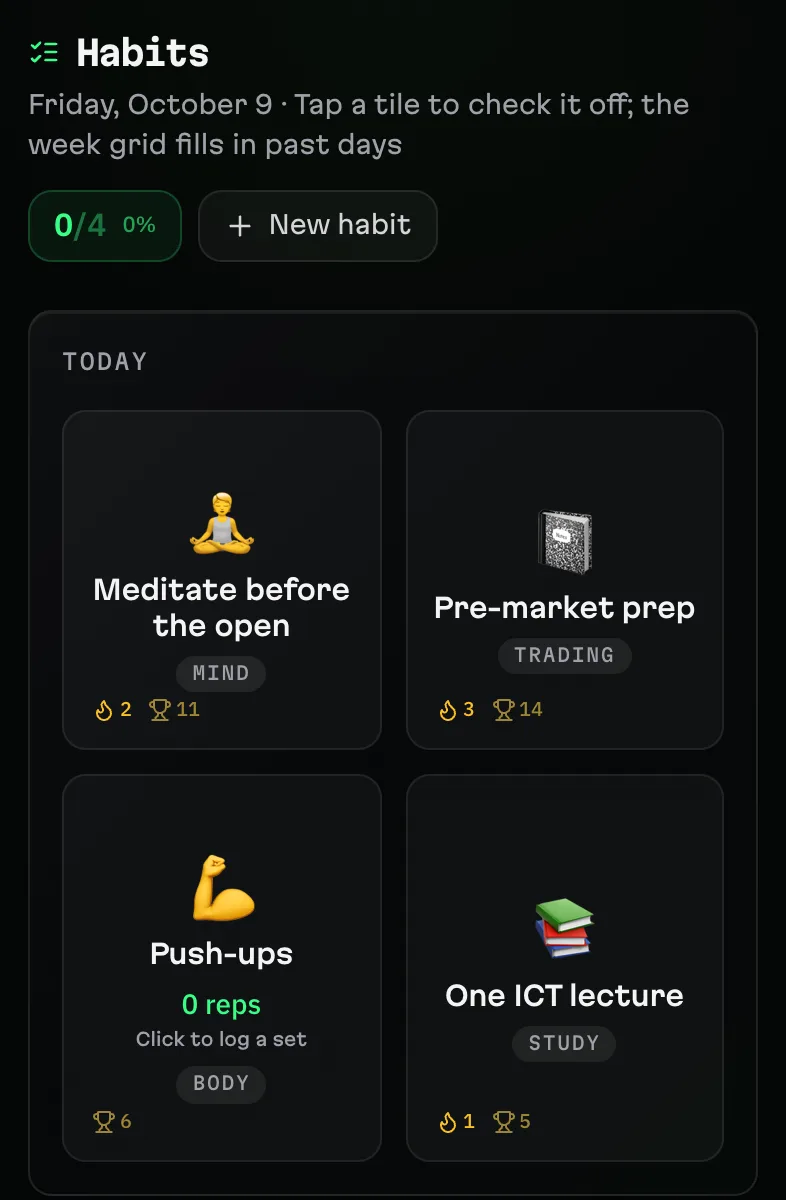
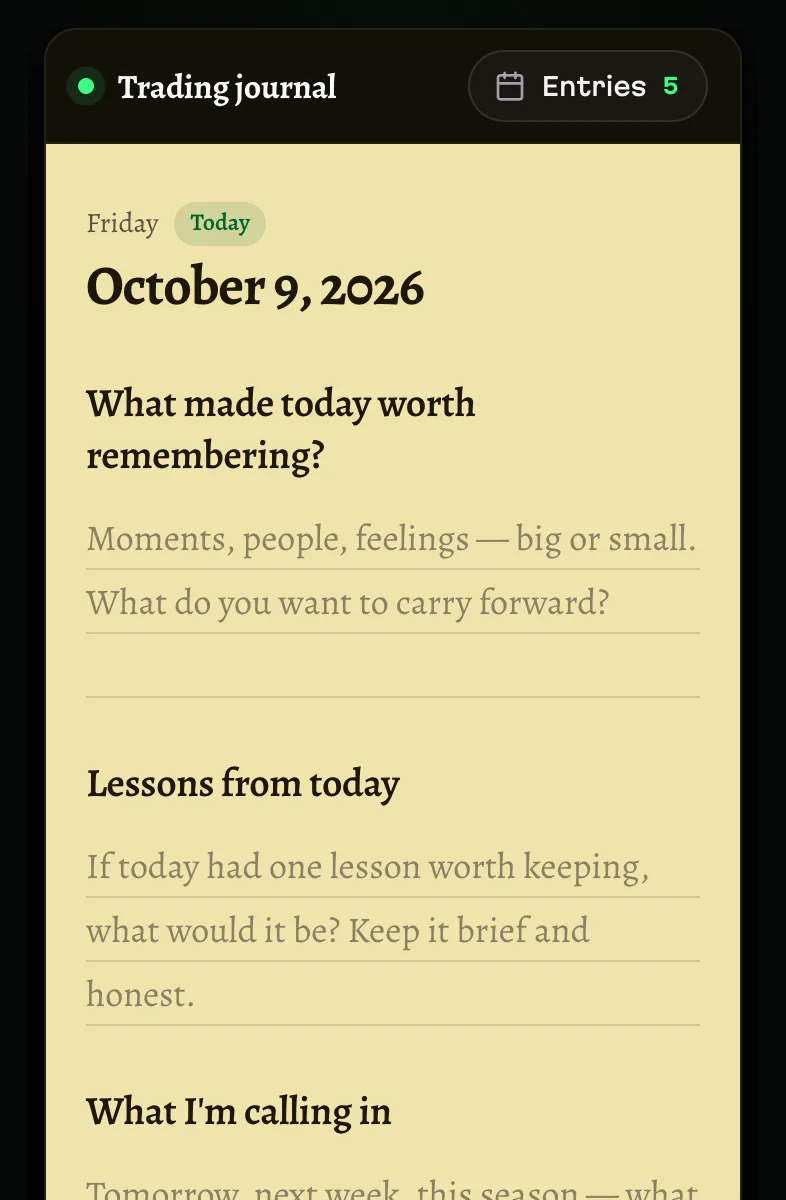
  • Keep your routines: Tap a habit to check it off; the week fills in.

    4Keep your routines Tap a habit to check it off; the week fills in.

  • Review your day: Three prompts and a clarity score close the day.

    5Review your day Three prompts and a clarity score close the day.

  • Study with Flowstate: Your lectures, notes and concepts in one place; resume where you stopped.

    6Study with Flowstate Your lectures, notes and concepts in one place; resume where you stopped.

From the founder

Why I built an ICT trading journal for futures traders

I trade NQ, the Nasdaq futures, the ICT way, often on prop firm and funded accounts. My trading lived in too many places: a spreadsheet I filled in days later, sticky notes for the plan, chart screenshots in folders, lectures I forgot, and the drawdown I only checked after it was too late.

daqverse is the futures trading journal I wanted: plan the day around the ICT kill zones in New York time, log a trade right after the close, see the room left on every prop account before the next trade, and review the day in minutes.

Made by a trader, for traders. The traders in early access will shape what comes next.

— Seb, founder

FAQ

Questions traders ask.

Do I have to trade ICT?

No. It’s made for ICT students first, but any style can be journaled — kill zones and macros stay out of the way if you don’t use them.

My timezone isn't New York.

Your days follow the zone you choose in Settings. Market windows stay on New York time.

Which markets?

Futures first — NQ, ES and their micros, with contract sizes built in. Forex and CFD trades can be logged too.

How do trades get in?

The Quick Log, a Tradovate CSV, or MT5 history — into the account you pick.

Are the prop-firm numbers exact?

No — they're estimates from what you log, not live broker equity or your firm's official numbers.

Is my data private?

Per-user row-level security, and this site sets no tracking cookie.

Does it work on my phone?

Yes. Every page is built at phone width first.

Can I get my data out?

You can download a backup of your core records — not a complete export of everything.

Does the penthouse track what I click?

No. The penthouse remembers what you cleaned only inside your browser, to open the demo where you started. Nothing is sent, and it's gone when you close the tab.

Start with your next session.

Six problems. One app.

One email on launch day. No spam.

How early access works

  1. Request. Leave your Gmail and what you trade.
  2. We invite. Traders get in in small groups.
  3. You're in. Accept the invite, choose a password, start. Beta testers get a discount when daqverse opens.

Traders talk in the daqverse Discord. Join the Discord →

Early access

Request early access

daqverse opens to traders in small groups. Leave your Gmail and we'll send your invite when your spot opens. Beta testers get a discount when daqverse opens.

Gmail addresses only for now.

What do you trade?
Do you trade a prop firm account?

Invite-only beta · Free while in beta · Gmail address